
Each study has its own journal, one page per day, opened from that day’s toolbar. There is no fixed structure to fill in, just a single text box. Write notes, questions, prayers, whatever the passage stirred up. Nothing about it needs a heading you did not choose for yourself.
Above the box is a small menu. Pick a method, H.E.A.R., S.O.A.P., O.I.A., or A.C.T.S., and its questions drop into the entry, or ask for one question at random if you are not sure where to start. Nothing is forced on you; write your own if you would rather.
Your journal lives in this browser, on this device, nowhere else. That is good for privacy and inconvenient the moment you want to hand someone a page, or just read the whole thing back without a screen in the way.
That is what the print page is for. Open Settings, find your study under Journal Data, and choose View Journal. It lays out every entry you have written, in order, on one page.
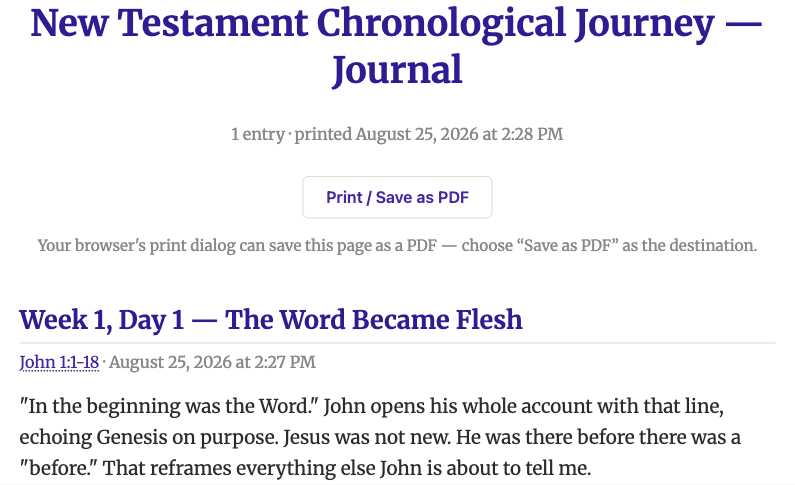
Use your browser’s own Print command from there and choose Save as PDF instead of a printer. What comes out is not a data file. It is something you can read, mark up, or hand to someone else, exactly as you wrote it.