
This site does more than show you the text. It can track your progress, read a page aloud, hold your journal entries, share your notes with a study group, host a comment thread under an essay, and feature this weekly tip. Not everyone wants all of that running at once.
Open Settings from the menu and look for Features. Each one is a simple switch: Journaling, Read Aloud, Group Sharing, Community Discussions, Tip of the Week, Warm-Up Quiz.
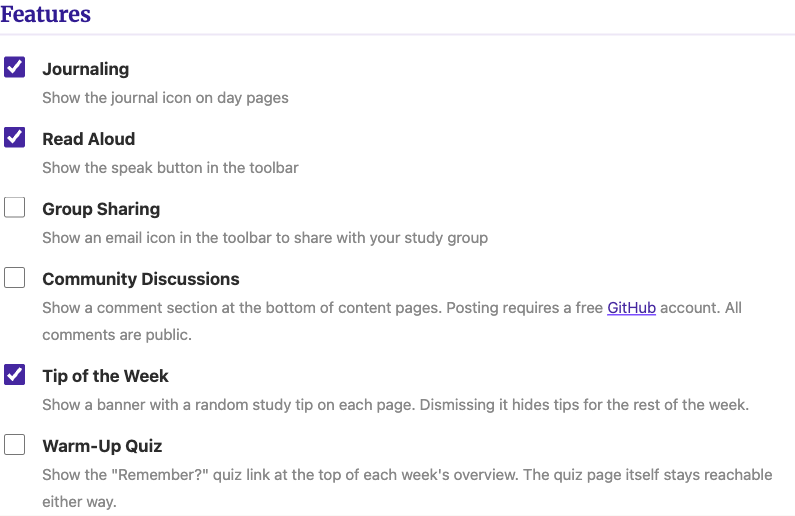
Turn off what you do not use and the corresponding button or section disappears from every page, immediately, no reload required.
Nothing about this choice leaves your browser. The site stores it the same way it stores your journal and your progress, on your own device, never on a server. Turning a feature off does not delete anything behind it either; your journal entries stay exactly where they were if you turn Journaling back on next month.
Start with everything on, use the site for a week, and then turn off whatever you never touched. A page that only shows what you actually use is easier to read than one that shows everything it is capable of.