
Reading online is not one-size-fits-all, and this site does not pretend otherwise. Open Settings and you will find two controls made for exactly that: Site Theme and Font Size.
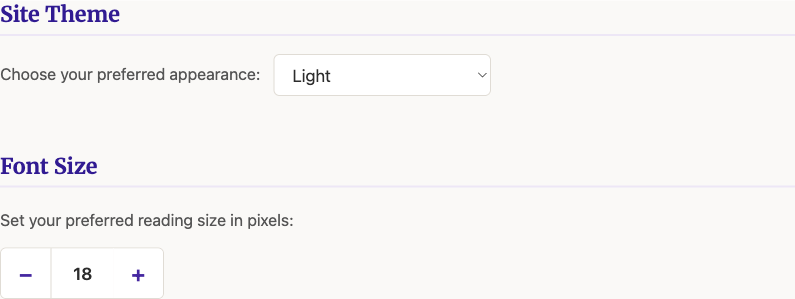
Site Theme has three options: Light, Dark, or Match System, which follows whatever your phone or computer is already set to and switches automatically when it does. Font Size is a plain stepper, eighteen pixels by default, larger or smaller with one click each way.
Both changes apply the moment you make them, everywhere on the site, no reload required. Pick what is actually comfortable to read, not what the page happened to load with.