
Every page has a Speak button in the toolbar. Click it and your browser reads the page aloud, using its own built-in voice, not a downloaded audio file. Click it again while it is reading and it stops immediately, wherever it happens to be.
The memory verse page has a smaller version of the same idea: a speaker icon next to the reference that reads just the verse, out loud, reference and all.
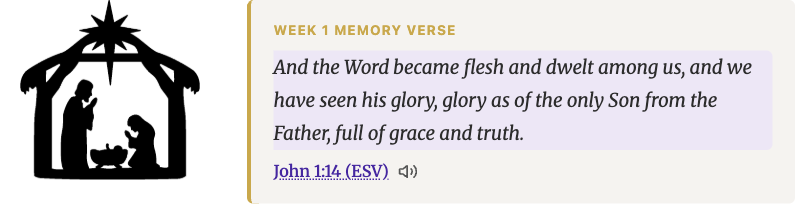
Good for the two minutes before you have it memorized, when you want to hear it more than you want to read it again.
Both depend on your browser having a voice installed, which almost every phone, tablet, and computer already does. Nothing is uploaded and nothing is downloaded; the words never leave your device. If you commute, fold laundry, or just want to keep your eyes off a screen for a minute, this is what the button is for.