
Turn on Community Discussions in Settings and a comment section appears at the bottom of every study page: one page, one thread, tied to that specific day or week so the conversation stays attached to what it is actually about.
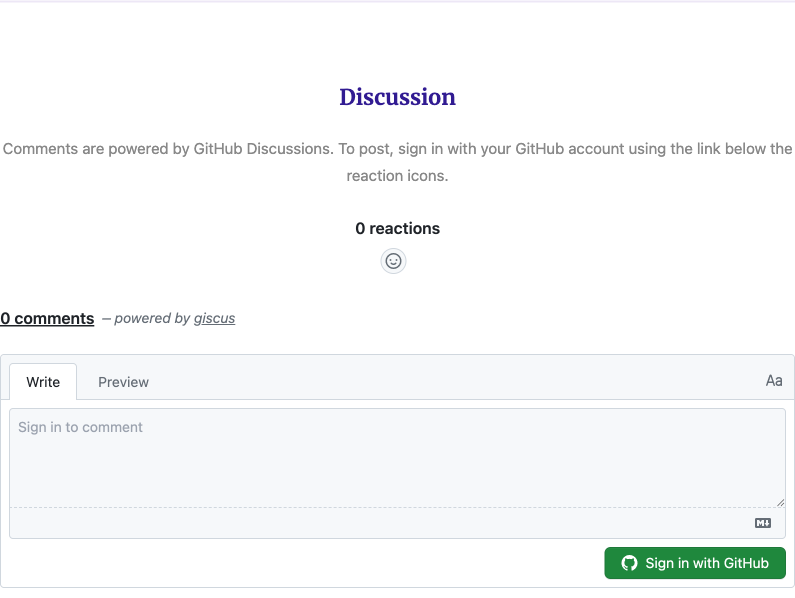
The comments themselves live on GitHub, not on this site’s own server, and posting requires a free GitHub account. That is a real bar to clear, and it is there on purpose: it keeps the conversation attached to real accounts instead of anonymous drive-by comments. Everything posted is public, visible to anyone who opens that page, so write the way you would in a room with people you have not met yet.
If you would rather read a passage in silence, leave the toggle off. The study works exactly the same either way; the comments are an option, not a requirement.