
Studying alongside other people is different from studying alone, but this site does not host a group or store anyone’s messages. What it can do is help you send one.
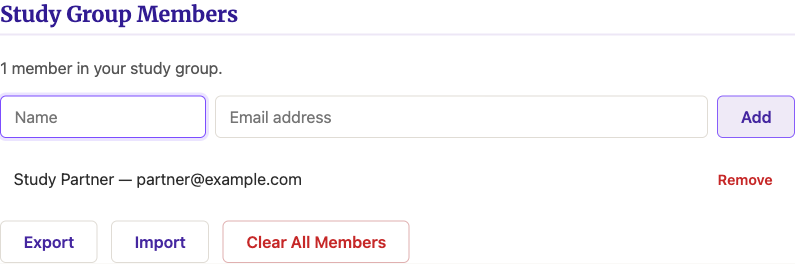
Turn on Group Sharing in Settings, then add each person’s name and email under Study Group Members. Journaling does not need to be turned on for any of this to work; the two features are independent, and Group Sharing works whether or not you keep a journal at all.
A Share icon now appears in the toolbar on study pages. Click it and your email app opens with a message already addressed to everyone in your group: the page title, a link back to it, and an excerpt of your journal entry for that day if you have written one. Nothing is sent automatically and nothing leaves your device until you hit send yourself; the site only builds the email and hands it to your own mail program.
Treat everything in that draft as a suggestion, not a finished message. Delete the excerpt if it is not what you want to say. Edit it, trim it, replace it entirely. Once the email opens, it belongs to you, not to the site that generated it. Write what is actually on your mind: the insight that struck you, the question you need someone else to help you answer. This is yours. Use it however you want.